
Accepted Cards

- Interac Debit
- Visa
- Mastercard
- American Express
Accepted Mobile Wallets

- Apple Pay
- Google Pay
- Samsung Pay
How to pay
Before you board, have your card or mobile device ready.
You will be charged for a Single Ride fare.
Here’s how to pay:
- Tap your card or mobile wallet on the onboard reader next to your driver to pay your single ride fare
- When you see the green checkmark, you’re ready to ride
- You do not need to tap again when you leave the bus
Pro Tip: Some phones support Express Mode. This lets you pay without unlocking or waking your phone. You can turn on Express Mode from your device settings.
What the reader display means
When you use a contactless payment, the reader displays a response screen to let you know what’s happening.
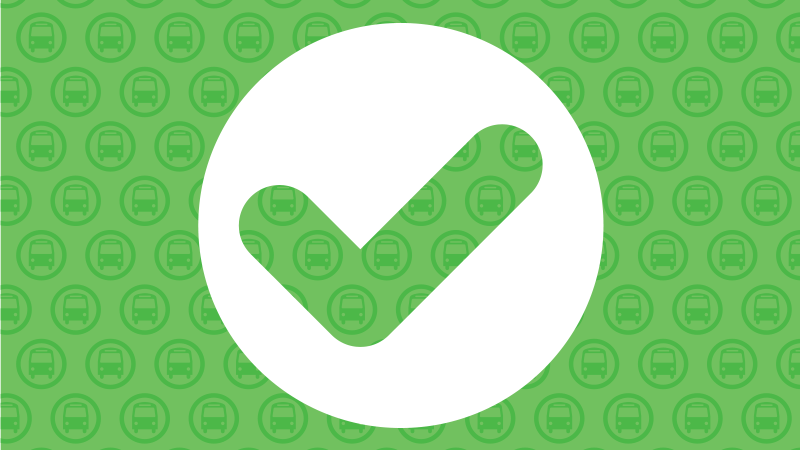
Green Check Mark
Your fare is accepted. You’re good to go!
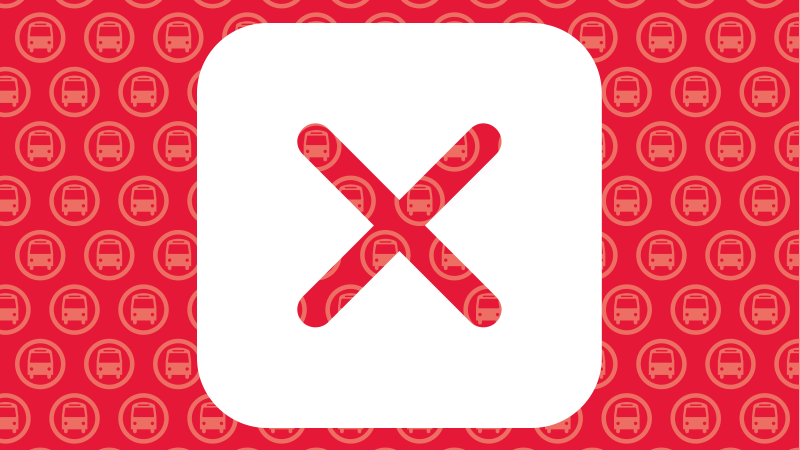
Red X
Your fare wasn’t accepted.
Taking more than one trip
A digital DayPASS is automatically applied after your second payment of the day. Once it’s active, you can ride for the rest of the day without paying again.
To make sure you receive your DayPASS:
- Use the same payment method: Tap the same card or mobile wallet for every trip so your fares count toward your DayPASS.
- Physical and mobile cards are different: A physical card and the same card stored in a mobile wallet are treated as separate payment methods.
- Important: A DayPASS can’t be shared between riders or used on other transit systems. They’re also not valid on regional routes unless stated otherwise.
Avoid these common mistakes
Keep extra cards away
If you tap your wallet on the reader, more than one card may be detected and you could be charged more than once.
To help avoid card clash:
- Remove your card from your wallet before tapping
- Separate your phone from other cards when you tap
Don’t share cards or wallets
Because fare products are not allowed to be shared between riders, we ask that each rider use their own payment method.
If the same card or mobile wallet is tapped more than once on the same bus, it will be declined.
See the Fare Rules for more information.
Card security and privacy
Contactless payments are secure and work the same way as tapping your card or mobile wallet for everyday purchases.
Here’s what to know about Contactless payments:
- No extra fees: BC Transit does not charge extra fees for paying with a credit card.
- Temporary holds: You may see a temporary preauthorization charge while your payment is being processed. This will disappear once the payment is complete.
- Bank processing times: Depending on your card provider, charges may not appear on your statement the same day you travel.
To learn how BC Transit protects your personal information, visit the BC Transit Privacy page.