Before you board, it helps to know how payment and fare validation work on fixed-route transit. You have the option to pay Single Ride or DayPASS fares when you board the bus, or you can purchase Fare Products ahead of time. Here’s what to expect when riding BC Transit.
How to Purchase Fare Products
You can purchase Umo fare products and load Umo Cash Balance prior to boarding. Umo Cash Balance lets you load a minimum balance of $5 to your Umo Card or Umo app to pay your fare. Once loaded, Umo Cash Balance is deducted as trips are taken. Fare Product options vary by transit system, with some systems offering discounted fares for seniors or students with Valid ID. Visit the Fares page to see what’s available and check eligibility prior to purchase.
You can load your Umo Cash Balance or buy fare products before you board in several ways:
- In the Umo app
- In person at a BC Transit retail vendor
- Online at ca.umopass.com
- By calling Umo customer service at 877-380-8181
Start using Umo


How To Pay When You Board
You can use cash or Umo to pay your Single Ride or DayPASS fare when you board. Make sure to pre-purchase your Umo fare product or load Umo Cash Balance prior to boarding so you are ready to ride.
A Single Ride fare lets you take one bus and does not include transfers. A DayPASS fare offers unlimited rides for the rest of the day.For Cash Balance customers, a digital DayPASS will be automatically applied after your second Single Ride payment of the day. Once applied, you can continue to tap or scan your original payment method without being charged again that day. A DayPASS is not transferable between customers or systems and is not valid on regional routes unless explicitly stated upon purchase.
Pay with Cash
Pay with Umo
- To pay or validate, simply scan the Umo app’s QR code or tap your Umo card at the validator.
- Umo will automatically validate your fare product when you board or, in the absence of a valid fare product, deduct your Single Ride or DayPASS fare from your Cash Balance.
How to Use Umo
Umo allows you to select the best payment method for your lifestyle and travel habits. It’s your choice how you use Umo – mobile app or reloadable card.
To start, download the Umo App or pick up a Umo card for free from a BC Transit vendor.
Using the Umo App
Boarding with the Umo App
- Open the app and select “Show Code” to display your QR code.
- Scan your QR code at the front of the validator. Slowly pull your phone back until the scanner reads the code.
- Wait for the signal to confirm your fare is accepted.
Using your Umo Card
Boarding with the Umo Card
- Tap your card on the base of the validator.
- Listen for the beep and check the screen for a green check mark.
What the Validator Display Means
When you use a digital payment method, the validator displays a response screen to let you know what’s happening.
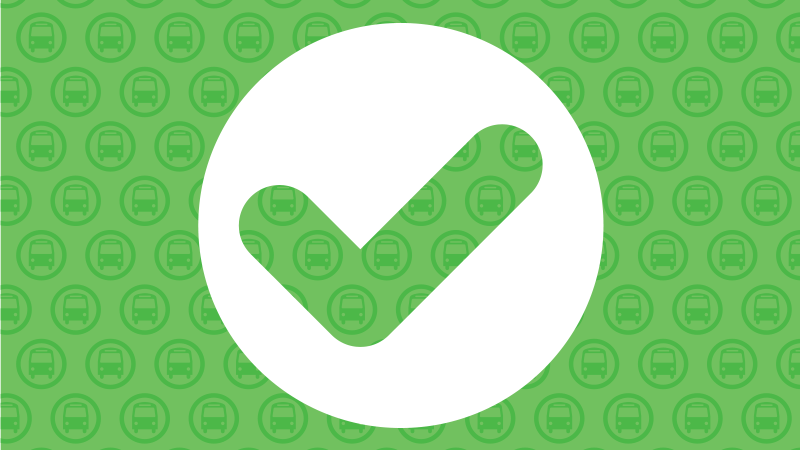
Green Check Mark
Your fare is accepted. You’re good to go!
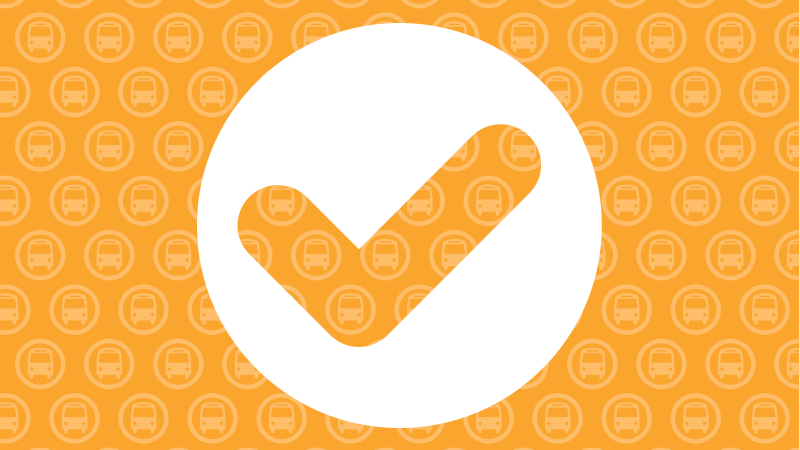
Amber Check Mark
Your fare is accepted, but your Umo Cash Balance is running low or a Umo fare product is expiring soon. Some third-party Umo products will see an amber check mark to confirm the fare is accepted.
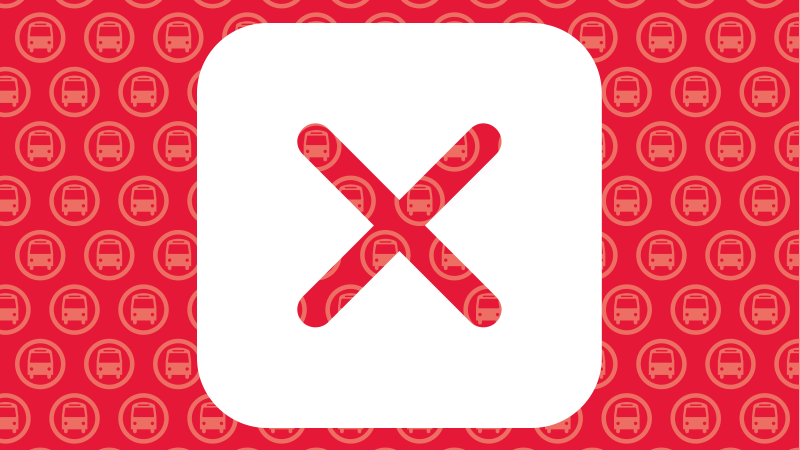
Red X
Your fare wasn’t accepted. This may happen if there’s no valid fare product or not enough Umo Cash Balance.
To confirm your balance or product validity you can check in the Umo app, at ca.umopass.com, or by calling Umo customer service at 877-380-8181.


